> ## Documentation Index
> Fetch the complete documentation index at: https://docs-dev.byterover.dev/llms.txt
> Use this file to discover all available pages before exploring further.
# Team Context Sync (v2.6.0 and earlier)
> Collaborate with your team by syncing context to the cloud using push and pull
**This page documents ByteRover CLI v2.6.0 and earlier.** The `brv push`, `brv pull`, and `/push`, `/pull` commands described here have been deprecated in v3.0.0. For the current team sync workflow, see [Team Context Sync](/common-workflows/team-context-sync) which uses Git-Semantic version control (`brv vc push` / `brv vc pull`).
Push and pull are **cloud-only, optional** commands that sync your local context tree to a shared remote space. They are designed for team collaboration -- your core workflow (curate and query) works fully offline without them.
Push and pull require authentication. Run `/login` to connect your cloud account, then `/space switch` to select a team space. See [Local vs Cloud (v2.6.0 and earlier)](/archived/local-vs-cloud) for full setup instructions.
## When You Need Push/Pull
| Use case | Why |
| ---------------------- | ------------------------------------------------------------- |
| **Team collaboration** | Share curated knowledge so teammates query the same context |
| **Multi-machine sync** | Push from your laptop, pull on a server or CI environment |
| **Backup** | Persist your context tree outside the local `.brv/` directory |
If you are working solo on a single machine, you do not need push or pull. Everything curated locally is immediately queryable.
## Step 1: Push to remote
In the ByteRover REPL, sync your local context tree to your remote space:
```bash theme={null}
/push
```
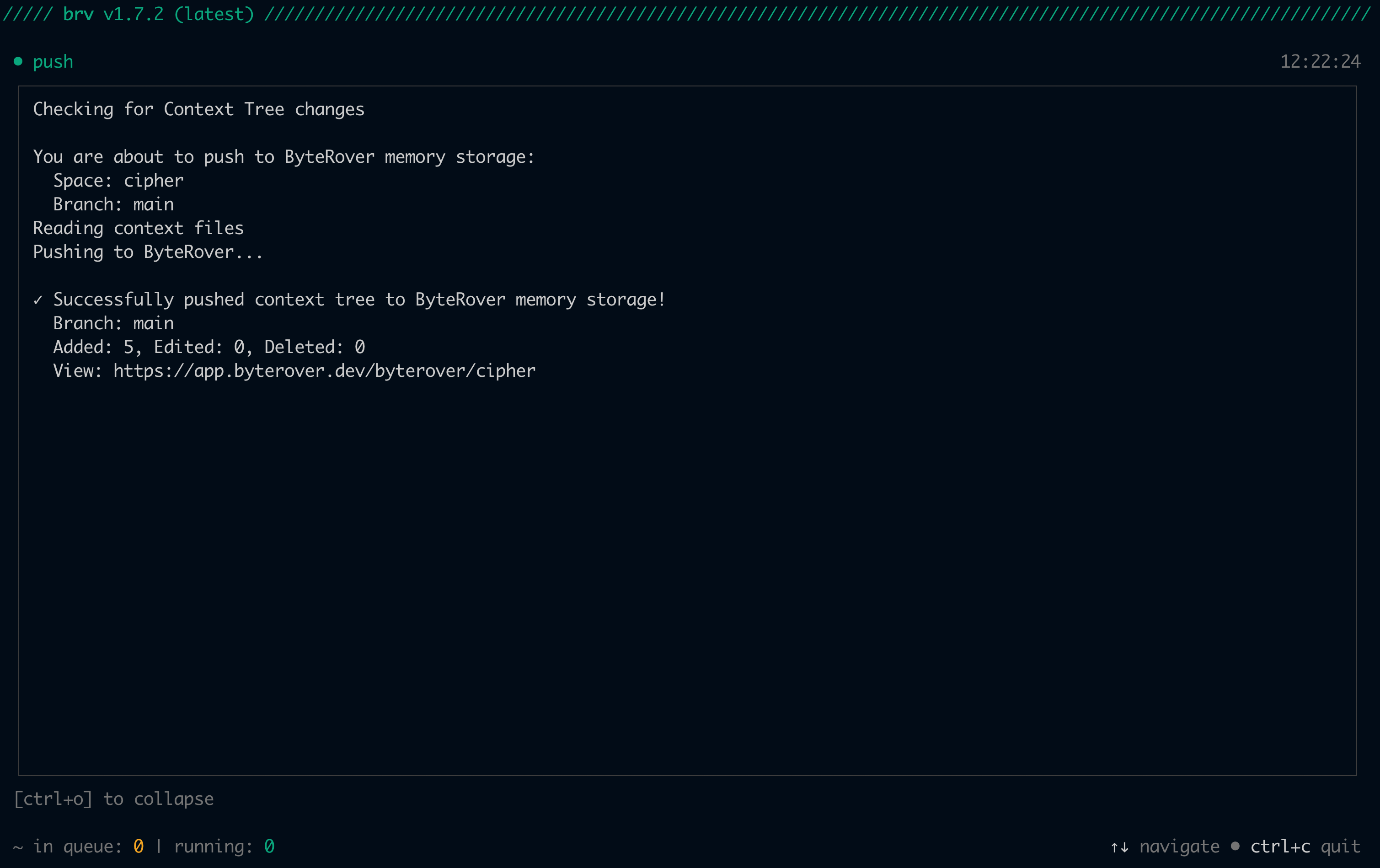 Your context is now available to your team and persists across sessions. Push syncs to the ByteRover cloud, not to git.
## Step 2: Pull team context
When teammates push context to your shared space, use `/pull` to sync their changes into your local context tree:
```bash theme={null}
/pull
```
Your context is now available to your team and persists across sessions. Push syncs to the ByteRover cloud, not to git.
## Step 2: Pull team context
When teammates push context to your shared space, use `/pull` to sync their changes into your local context tree:
```bash theme={null}
/pull
```
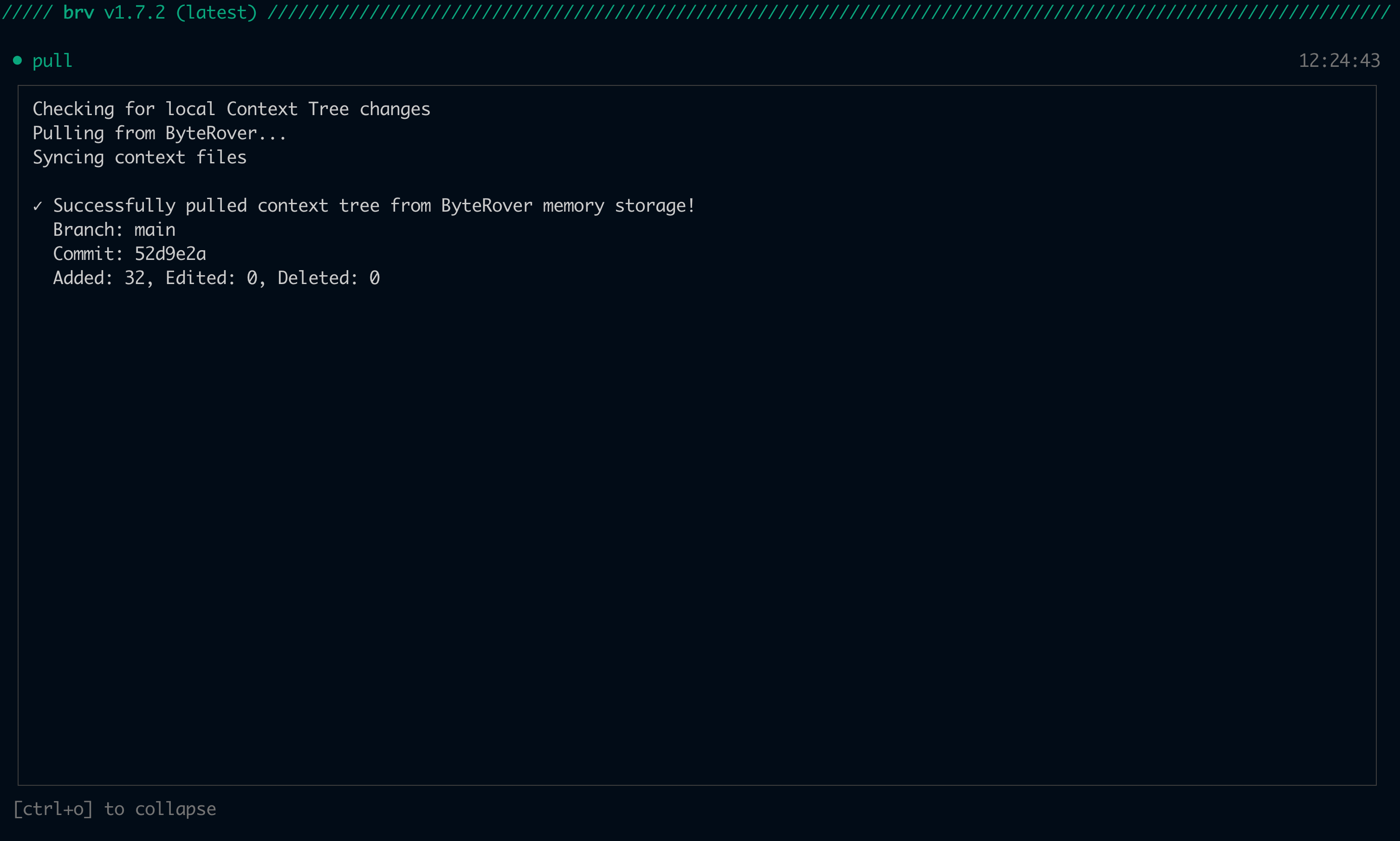 Now you have access to your team's collective knowledge. This is how ByteRover creates shared team memory.
## Complete workflow cycle
The local-first flow is: **curate locally → query locally → (optionally) push/pull for teams**. Here is how it all fits together.
Prompt your coding agent to implement a task, mentioning ByteRover:
```
> Add a rate limiter to the API endpoints. Use ByteRover to check existing patterns first.
```
Your coding agent will:
1. **Query existing context** in the local context tree to understand your codebase patterns:
```bash theme={null}
brv query "How are API endpoints structured? Are there any rate limiting patterns?"
```
2. **Implement the task** using the retrieved context as guidance.
3. **Curate new context** to capture what it learned:
```bash theme={null}
brv curate "Rate limiting uses sliding window algorithm at 100 req/min per user. Implemented in rateLimiter.ts middleware." -f src/middleware/rateLimiter.ts
```
At this point your new context is stored locally and queryable. The following steps are optional and only needed for team collaboration:
4. **(Optional) Push to remote** to share the new context with your team:
```bash theme={null}
/push
```
5. **(Optional) Pull team updates** to get context that teammates have added:
```bash theme={null}
/pull
```
This creates a feedback loop where your coding agent learns from past decisions and contributes new knowledge back to your team's shared memory.
Now you have access to your team's collective knowledge. This is how ByteRover creates shared team memory.
## Complete workflow cycle
The local-first flow is: **curate locally → query locally → (optionally) push/pull for teams**. Here is how it all fits together.
Prompt your coding agent to implement a task, mentioning ByteRover:
```
> Add a rate limiter to the API endpoints. Use ByteRover to check existing patterns first.
```
Your coding agent will:
1. **Query existing context** in the local context tree to understand your codebase patterns:
```bash theme={null}
brv query "How are API endpoints structured? Are there any rate limiting patterns?"
```
2. **Implement the task** using the retrieved context as guidance.
3. **Curate new context** to capture what it learned:
```bash theme={null}
brv curate "Rate limiting uses sliding window algorithm at 100 req/min per user. Implemented in rateLimiter.ts middleware." -f src/middleware/rateLimiter.ts
```
At this point your new context is stored locally and queryable. The following steps are optional and only needed for team collaboration:
4. **(Optional) Push to remote** to share the new context with your team:
```bash theme={null}
/push
```
5. **(Optional) Pull team updates** to get context that teammates have added:
```bash theme={null}
/pull
```
This creates a feedback loop where your coding agent learns from past decisions and contributes new knowledge back to your team's shared memory.