> ## Documentation Index
> Fetch the complete documentation index at: https://docs-dev.byterover.dev/llms.txt
> Use this file to discover all available pages before exploring further.
# Contexts
> Read, edit, and trace changes across your project's context tree
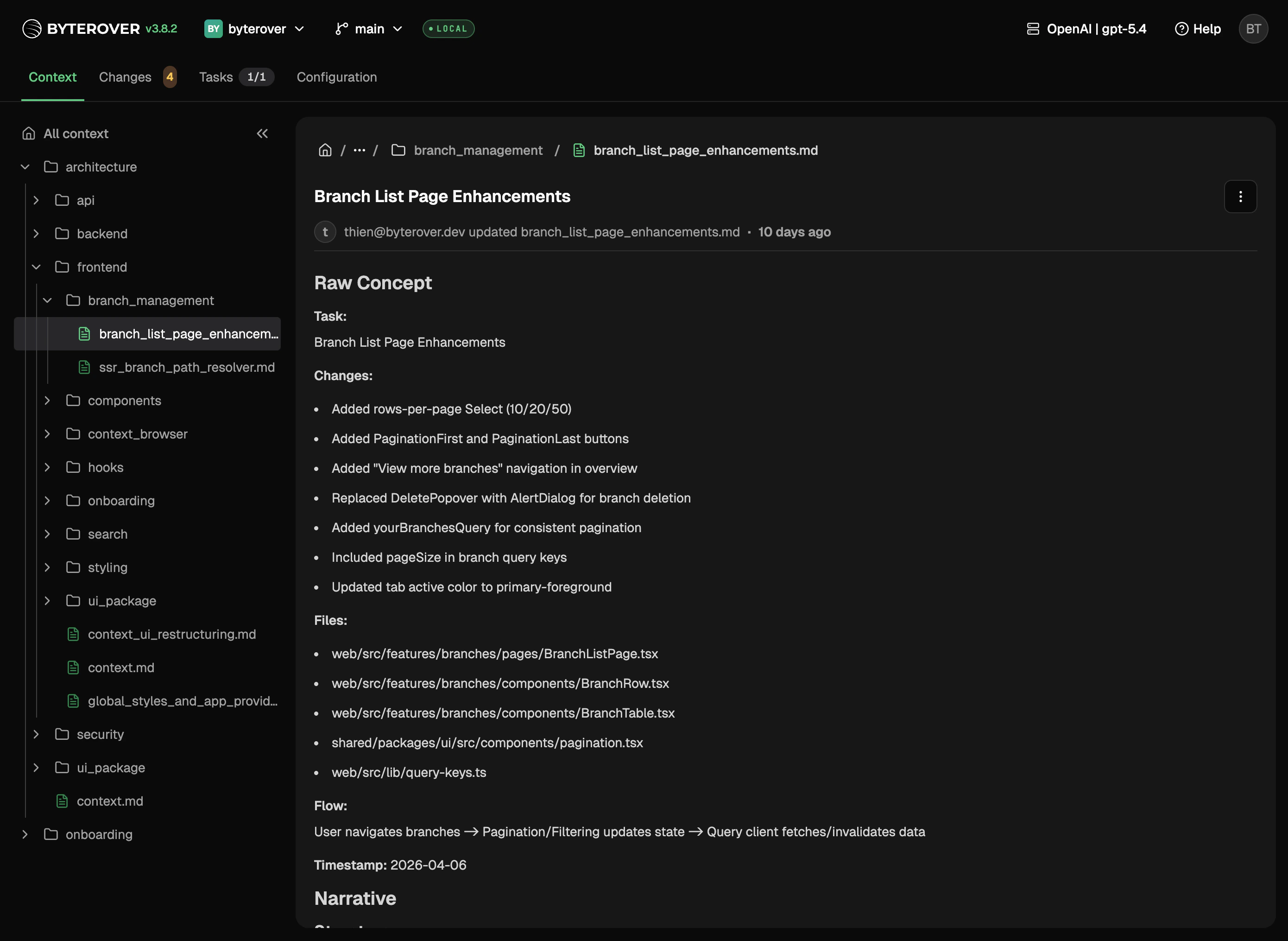
Work with your whole context tree in one place. Read what's there, edit anything that needs updating, and trace how a file got to where it is.
 ## What you can do
* Browse every domain, topic, and file your project has curated
* Read long-form markdown without leaving your project
* Edit any context file in place and save straight to disk
* Inspect a folder's own metadata — title, summary, tags, and related links — in the detail panel, the same way files already render
## Saving changes
Saved files show up in [Changes](/local-web-ui/changes) alongside any other edits — ready to commit like any other change.
## Next steps
Review and commit changes.
Learn how the context tree is structured.
## What you can do
* Browse every domain, topic, and file your project has curated
* Read long-form markdown without leaving your project
* Edit any context file in place and save straight to disk
* Inspect a folder's own metadata — title, summary, tags, and related links — in the detail panel, the same way files already render
## Saving changes
Saved files show up in [Changes](/local-web-ui/changes) alongside any other edits — ready to commit like any other change.
## Next steps
Review and commit changes.
Learn how the context tree is structured.