

Prerequisites
- ByteRover CLI installed (
brv --versionworks) - You’re running a version that ships the web UI (v3.x or later)
brv webui.
Launch the web UI
From any project directory:http://localhost:<port>. The port is persisted, so subsequent brv webui calls reuse it and bookmarks keep working.
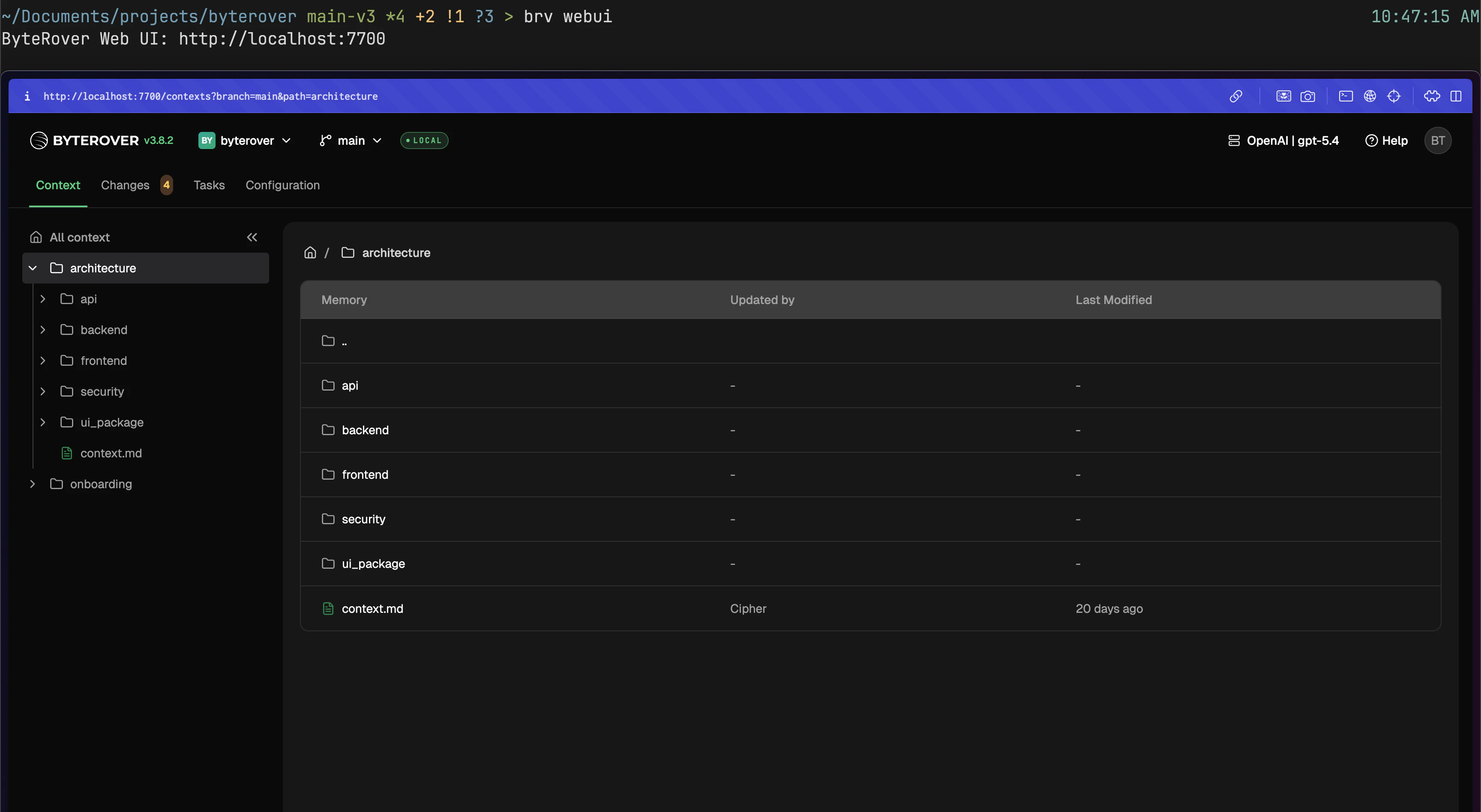
First-run tour
The first time you open the web UI, a four-step guided tour walks you through the essentials: connecting a provider, running your first curate, running your first query, and installing a coding-agent connector. The tour teaches by clicking through. Instead of auto-opening the composer for you, it routes you to the Tasks tab, dims the rest of the page, and points a glowing arrow at the New task button — you click it yourself. When the composer opens, it pre-fills sample input for the current step (curate or query) so you can submit and see the result. If a task fails or is cancelled during the tour, an inline banner suggests Try again — the retry button on the failure card carries the original prompt back into the composer so you don’t have to re-type it. You can skip the tour anytime. To replay it later, open the Help menu and choose Restart the tour.The screenshot above is the bare web UI. The tour overlay (dimmed page + glowing arrow) is not pictured here.
Pick a custom port
Use--port (or -p) to force a specific port. The choice is remembered until you change it again:
Next steps
Projects
Switch and manage projects in the UI.
Troubleshooting
Fix common issues.